CapCut 2026 Review: The Real Pros, Cons, and Download Guide for Content Creators
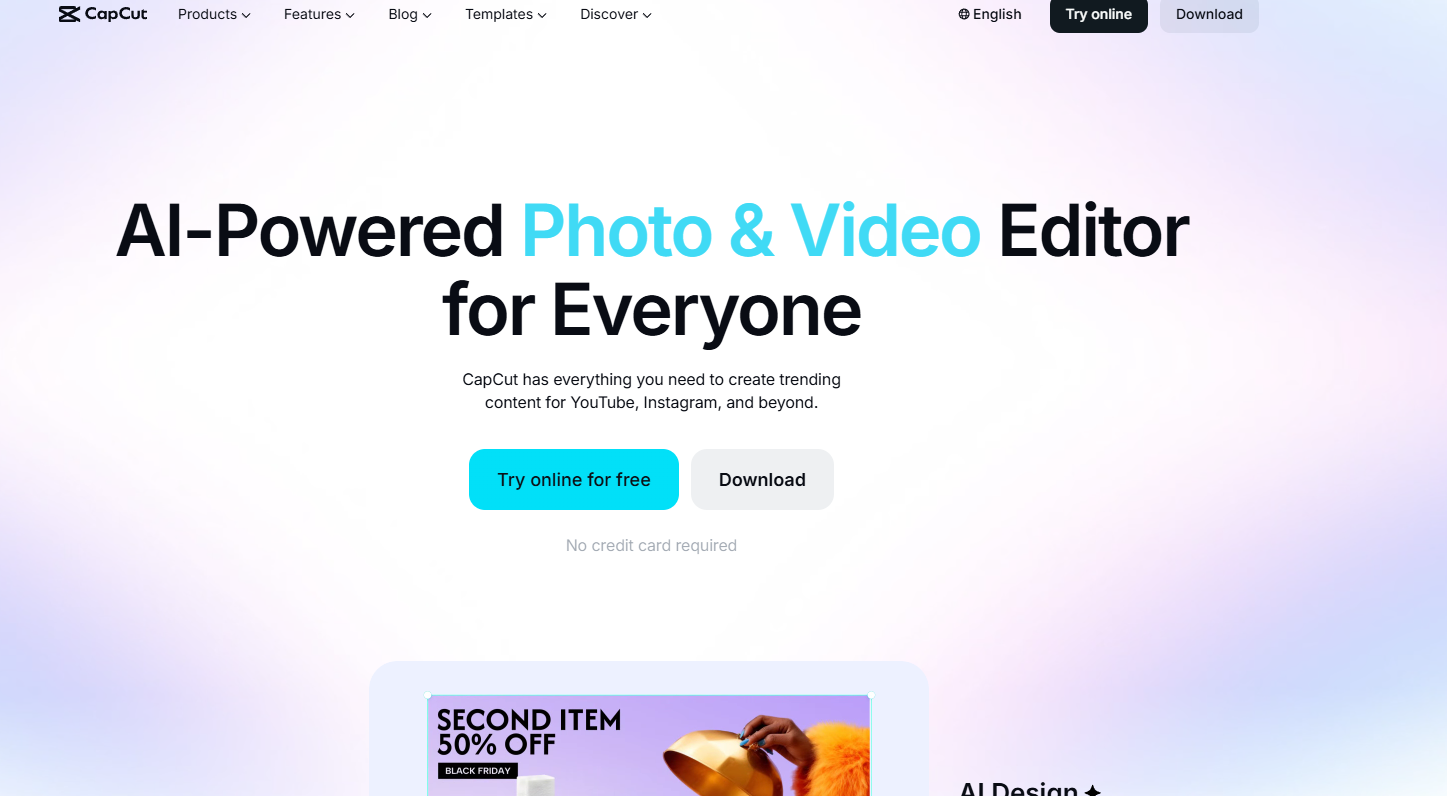
CapCut is still the best mobile video editor for short-form creators, but the gap between free and Pro is getting harder to ignore. Whether you're editing TikTok content or YouTube Shorts, you can absolutely make viral-worthy videos for free—but expect an increasingly aggressive paywall pushing you toward the $7.99/month subscription. Read on for the honest breakdown.
Download CapCut Now
Official platforms for immediate download:
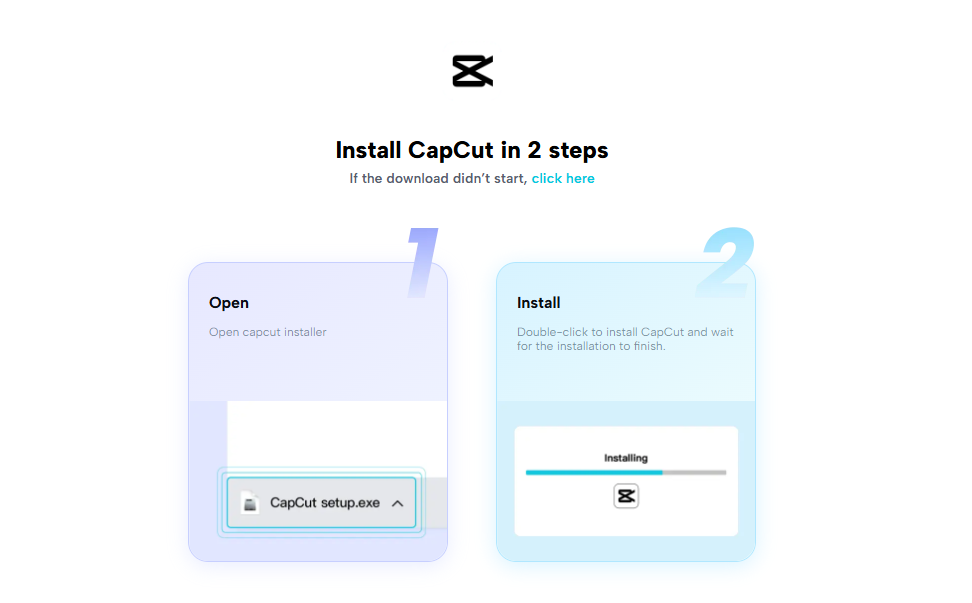
Both versions are identical in features. Download takes about 90 seconds; first-time setup another 2-3 minutes.
What Makes CapCut a Viral Machine
CapCut's strength isn't innovation—it's ruthless focus on what creators actually need to ship videos fast.
Auto Captions & Text-to-Speech
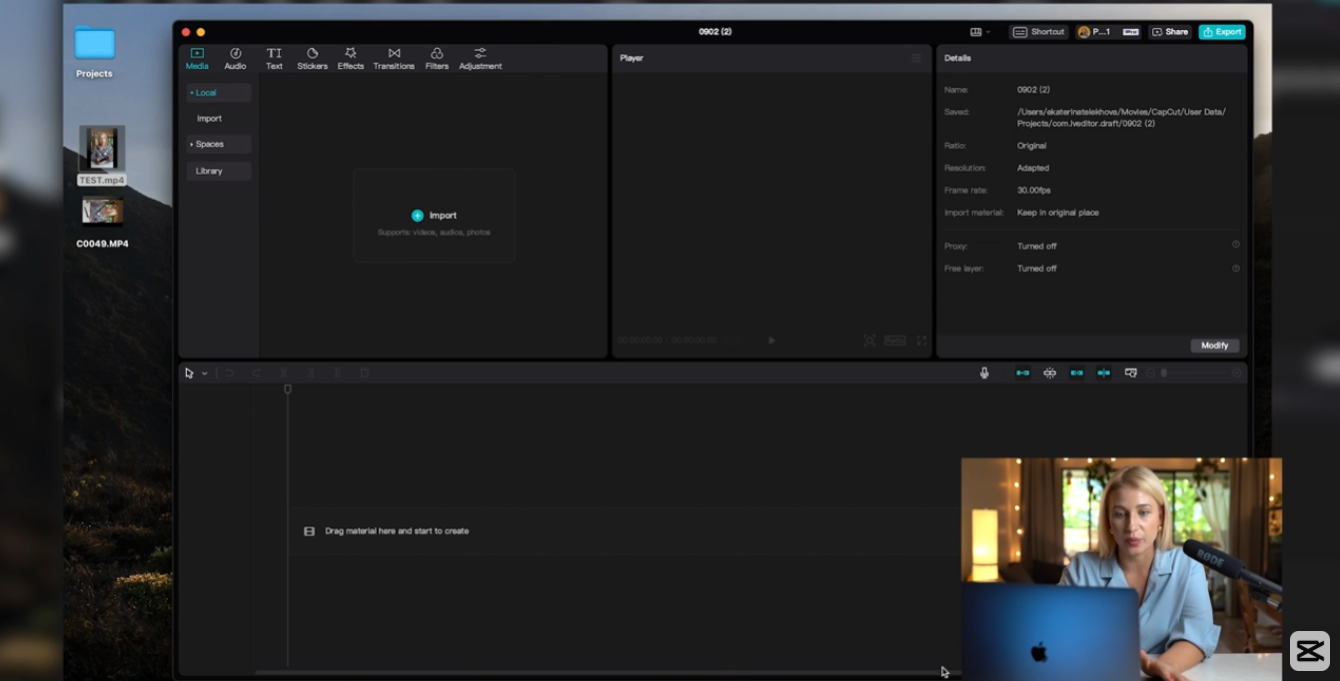
This is the feature that keeps people using CapCut. One tap, and your entire video gets accurate subtitles in seconds. Pause detection works 90% of the time, and the auto-generated text syncs tight to your audio. Text-to-speech voices have improved noticeably since 2024—they no longer sound like a 2009 GPS unit. Useful for voiceovers when you're not on camera.
Trending Effects, Filters & Transitions (Weekly Refresh)
CapCut stays ahead because ByteDance owns it. Trends hit the app before TikTok itself sometimes. The effect library refreshes weekly—blur, glow, glitch, vintage, anime-style packs—and most are free. Transitions are smooth without feeling overcooked. You'll see the same trends across Reels, TikTok, and YouTube Shorts, but CapCut users get them first and fastest.
Keyframes, Stabilization & Optical Flow Slow-Mo
The serious stuff. Keyframe animation lets you create precise motion effects without breaking a sweat. Stabilization actually works—shaky phone footage becomes watchable. Optical flow slow-motion (available in Pro, sometimes free during rollouts) turns 60fps footage into buttery smooth slow-mo without the computational nightmare of older methods.
The Honest Problems Nobody Warns You About
This is where CapCut loses points with experienced creators.
The Paywall Keeps Creeping Higher
| Feature | Free | Pro |
| Basic trimming & cutting | ✓ | ✓ |
| Standard auto captions | ✓ | ✓ |
| Keyframe animation | ✓ | ✓ |
| Trend effects (basic library) | ✓ | ✓ |
| Premium fonts (60+ fonts) | ✗ | ✓ |
| Pro AI tools (object removal, cleanup) | ✗ | ✓ |
| 4K 60fps export | ✗ | ✓ |
| Smart HDR export | ✗ | ✓ |
| Advanced transitions (100+ packs) | ✗ (limited) | ✓ |
| Stock music/SFX (premium library) | ✗ | ✓ |
| Removing watermarks | ✗ | ✓ |
| Price | Free | ~$7.99–$9.99/month
(varies by region) |
The free version still works, but ByteDance has systematically moved crucial features behind the paywall. Premium fonts used to be optional. Now they're everywhere, and free fonts feel dated. 4K export, once standard, is now locked away. It's not predatory by app standards, but it's aggressive.
AI Bloat Is Making the App Slower
CapCut added voice cloning, AI auto-generate video ideas, AI color correction, and generative fill. Most of these are gimmicks. The app now has 30 tabs you'll never touch. Performance suffers on older phones. Menus feel cluttered. It's the "add everything" trap that killed Adobe apps.
Export Lag on Long Videos
Critical issue for vloggers and serious editors: Clips over 8 minutes frequently get stuck on the export screen. The loading bar hangs at 95%. Audio and video sometimes desync on longer exports. Workaround exists (below), but it shouldn't be necessary.
Local Asset Dependency Kills Projects
Delete a video file from your camera roll mid-project? Your timeline breaks. CapCut doesn't cache media assets—it references them directly. Lose the file, and your edit becomes unusable. Creators have learned this the hard way after clearing storage during shoots.
The Volume Scroll Bar Is Garbage
Adjusting music volume requires scrolling a tiny bar. No text-input field. Precise mixing is impossible. Minor annoyance, but it's shocking for an app with millions of dollars in development.
Regional Restrictions Create Mystery Errors
Users in some countries report "commenting not available in your region" or "template library restricted." ByteDance's regional licensing is inconsistent. You might lose access to trending sounds mid-edit depending on your location.
Real Workarounds That Actually Work
Clear App Storage Before Exporting Long Videos
Go to Settings > Apps > CapCut > Storage > Clear Cache (not data). Export lag drops significantly. This is the #1 fix for the stuck-export problem.
Zoom In on Timeline for Precise Volume Control
Don't use the scroll bar. Pinch-zoom the timeline to maximum, then adjust volume pixel-by-pixel. Tedious, but works for serious audio mixing.
Import Custom Fonts Locally
Drop .ttf or .otf files into CapCut's fonts folder (usually /CapCut/fonts/ on Android). You unlock unlimited typography without paying for Pro. Technically a gray area, but it works.
Never Clear Phone Storage Mid-Project
Export all videos locally to computer before cleaning storage. Better yet, use cloud backups (Google Drive, iCloud). Prevents the entire "missing assets" disaster.
Create Projects in Batches to Avoid Memory Bloat
Don't edit 20 videos in one session. CapCut leaks memory. Close the app completely between projects. Forces a fresh instance.
CapCut Free vs. Pro: Detailed Breakdown
| Category | What's Actually Free | What Pro Unlocks | The Real-World Impact |
| Editing Core | Trim, cut, paste, merge | Same for free users | No advantage for basic editing |
| Text & Captions | Auto captions, text overlay (basic fonts) | 60+ premium fonts, text effects | Free fonts work; Pro adds polish |
| Audio | TTS, voiceover, basic SFX library | Premium SFX, stock music, isolation tools | Free version is usable; Pro is smoother |
| Effects & Transitions | ~40 trending effects, basic transitions | 100+ advanced packs, particle effects | Free is enough for viral shorts; Pro adds variety |
| AI Tools | Basic auto-enhance | Object removal, background removal, voice clone | Pro AI is tempting but feels gimmicky |
| Export Quality | Up to 1080p 30fps | 4K 60fps, Smart HDR | Matters only for high-end YouTube videos |
| Watermark | CapCut watermark on video | Watermark-free export | Annoying for serious creators |
| Regional Pricing | N/A | $7.99–$9.99 USD (higher in AU, CA, UK) | Varies, but roughly $5–7 USD equivalent elsewhere |
The verdict on pricing: If you're posting exclusively to TikTok/Reels, the free version handles 90% of what you need. If you're building a personal brand or uploading to YouTube, the $7.99/month is worth it for 4K exports and the watermark removal alone.
Who Should Download CapCut Immediately
Short-form creators (TikTok, Reels, Shorts). If you make content under 3 minutes, this is non-negotiable. The auto-captions and trend integration are unmatched.
Gacha/anime content creators. The anime effects and community filters are specifically catered to this audience.
Mobile vloggers and travel creators. Stabilization and optical flow are game-changers for phone footage.
Aspiring editors on a budget. You can learn professional editing fundamentals without paying a dime.
Who Should Skip It (Or Wait)
Long-form documentary editors. CapCut is built for clips under 10 minutes. If you're editing 30-minute videos, use DaVinci Resolve or Premiere Pro instead.
Creators with strict anti-subscription principles. If you refuse SaaS, CapCut's paywall will frustrate you constantly.
Desktop-first editors. CapCut Web exists but is barebones. Serious editors use desktop software.
The Bottom Line
CapCut is the best free video editor on mobile in 2026. It's faster than DaVinci Resolve on phone, more intuitive than iMovie, and has better trend integration than anything else. The free version is genuinely capable. The Pro subscription is worth it if you're serious, but not essential for creators just starting out.
The paywall is aggressive, the app is bloated with AI gimmicks, and the export lag on long videos is a real pain. But none of these issues kill the product. For short-form creators, CapCut is still the obvious choice. Download it, master the keyframes and auto-captions, and ship videos. Everything else is optimizing at the margins.